
All Platforms • One Account
Download VPN Express
Available on Windows, macOS, iOS, and Android. Install on up to 10 devices with one account.
Detecting your device...
Windows
For Windows 10 & 11
System Requirements
- Windows 10 or later (64-bit)
- 200 MB free disk space
- Stable internet connection
- Administrator privileges for installation
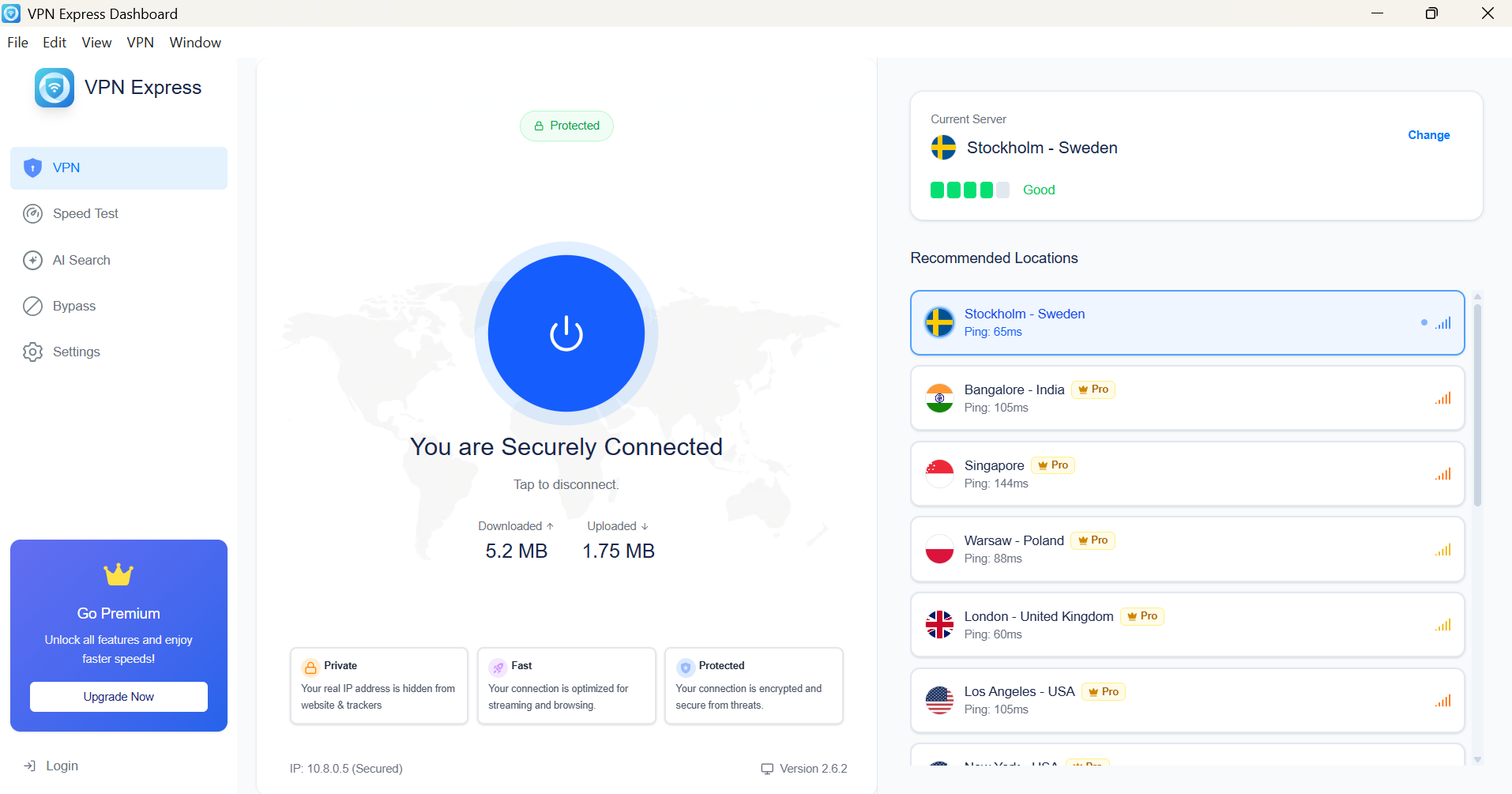
Windows Features
Fastest speeds
Kill switch
Split tunneling
Auto-connect
Quick Installation Guide
1
Download
Click the download button above
2
Install
Run the installer as administrator
3
Connect
Sign in and start browsing securely
macOS
For Mac computers
System Requirements
- macOS 11 Big Sur or later
- Apple Silicon (M1/M2/M3) & Intel supported
- 200 MB free disk space
- Admin access for installation

macOS Features
Apple Silicon optimized
Kill switch
Battery efficient
Native UI design
Quick Installation Guide
1
Download
Click the download button above
2
Install
Drag to Applications folder
3
Connect
Sign in and enjoy privacy
Android
For Android devices
Download from Appsphere
Get VPN Express from our official app store
Recommended for auto-updates and security
Requirements
- Android 7.0 (Nougat) or higher
- 50 MB free storage
- Mobile data or Wi-Fi
Android Features
Battery optimized
AI server selection
Add-ons support
Speed test built-in
iOS
For iPhone & iPad
Requirements
- iOS 14.0 or later
- Compatible with iPhone, iPad, iPod touch
- 50 MB free storage

iOS Features
iOS native VPN
Fast connection
Widget support
Smart notifications
Quick Installation Guide
1
Open App Store
Search for VPN Express
2
Install
Tap Get and authenticate
3
Connect
Allow VPN profile and connect
All Platforms, All Features
Every device gets the full VPN Express experience
Military-Grade Encryption
AES-256 on all platforms
Lightning Fast
Optimized for each OS
No-Logs Policy
Your privacy guaranteed
24/7 Support
Help when you need it